 $6.99
New
$6.99
New
Home › Templates › Finance › Vault
Finance dashboard template
Vault Finance Dashboard Template
Vault is a free single-file HTML finance dashboard: account balances, cashflow charts, a filterable ledger, and scenario planning, with light and dark modes.
Vault is a general business finance dashboard template, and it is free. It is one self-contained HTML file with four sidebar views, Accounts, Cashflow, Transactions, and Planning, a top bar with search and notifications, and a working dark mode toggle. The sample data tracks a fictional company's $1,486,000 operating balance through a full year.
Vault's Accounts view leads with a styled operating account card, masked number and show/hide eye toggle included, next to three metric cards with inline mini charts: total income $650K up 8.2%, total expenses $350K up 3.1%, net profit $300K up 5.4%. A recent transactions feed has a working add button that prepends entries, and an accounts panel lists operating, tax reserve, contingency, and payroll clearing balances with restriction notes. Cashflow shows income versus expenses as grouped bars across 12 months with clickable legend toggles, a net position line that marks negative months in red, and a circular runway gauge reading 14 months, computed from $1.49M of cash against a $104K average monthly burn. Transactions holds the full ledger with All, Money in, and Money out filter chips that show live row counts, plus outflow-by-category bars for the current month. Planning projects year-end cash under 3 selectable scenarios, Conservative at $1.31M, Base case at $1.58M, Expansion at $1.42M, against a dashed $1.30M board floor, with budget health bars, savings target bars, and upcoming bills with schedule buttons. Views route through the URL hash, so each one is bookmarkable.
What is inside Vault
- Operating account card with a masked number, show and hide toggle, and a $1,486,000 balance
- Three metric cards with inline mini charts: income $650K, expenses $350K, net profit $300K, each with a month trend
- Recent transactions feed with a working add-transaction button
- Income versus expenses grouped bars across 12 months with clickable legend toggles
- Net position line chart with negative months marked in red
- Circular runway gauge reading 14 months, from $1.49M cash against $104K average monthly burn
- Filterable ledger with All, Money in, and Money out chips showing live row counts
- Outflow-by-category horizontal bars for the current month
- Year-end projection with 3 selectable scenarios and a dashed board-floor line at $1.30M
- Light and dark themes with a toggle, plus hash-based view routing
Who Vault is for
Vault serves small business owners, who open the Accounts view for the morning read: balances, income and expense trends, and what moved overnight.
Finance leads and bookkeepers work the Cashflow and Transactions views, filtering the ledger to money in or out and checking category outflow against the month.
Operators planning the year use the Planning view, switching scenarios to see whether the year ends above the $1.30M board floor under flat, base, or expansion assumptions.
Developers prototyping a fintech product use the file as a finished front end, with a hash router, theme system, and labeled data arrays ready to wire to an API.
When to reach for it
Vault fits anyone who wants a finance dashboard without spending anything first. It is one of the six free templates in the catalog, so you can evaluate the layout, the code quality, and the data structure before deciding whether a paid template fits better.
It replaces the monthly spreadsheet pack. Balances, cashflow, budgets, and bills all render from arrays at the top of the script, so updating the month means editing numbers, not rebuilding charts.
It also suits a product prototype. The code is organized in labeled sections, the theme swaps through a single data attribute, and reduced-motion preferences are respected, so it reads like a starter app rather than a demo page.
Specifications
| Format | Single self-contained HTML file; zero dependencies, no build step |
|---|---|
| Theme | Midnight Ledger |
| Mood | Light |
| Category | Finance |
| Price | Free |
Frequently asked questions
Is Vault really free?
Yes, Vault is really free: it is one of the six free templates in the catalog. You download the same kind of single HTML file the paid templates ship as, with the full four-view layout, both themes, and all sample data included. No account or license key is involved.
What is the catch with a free template?
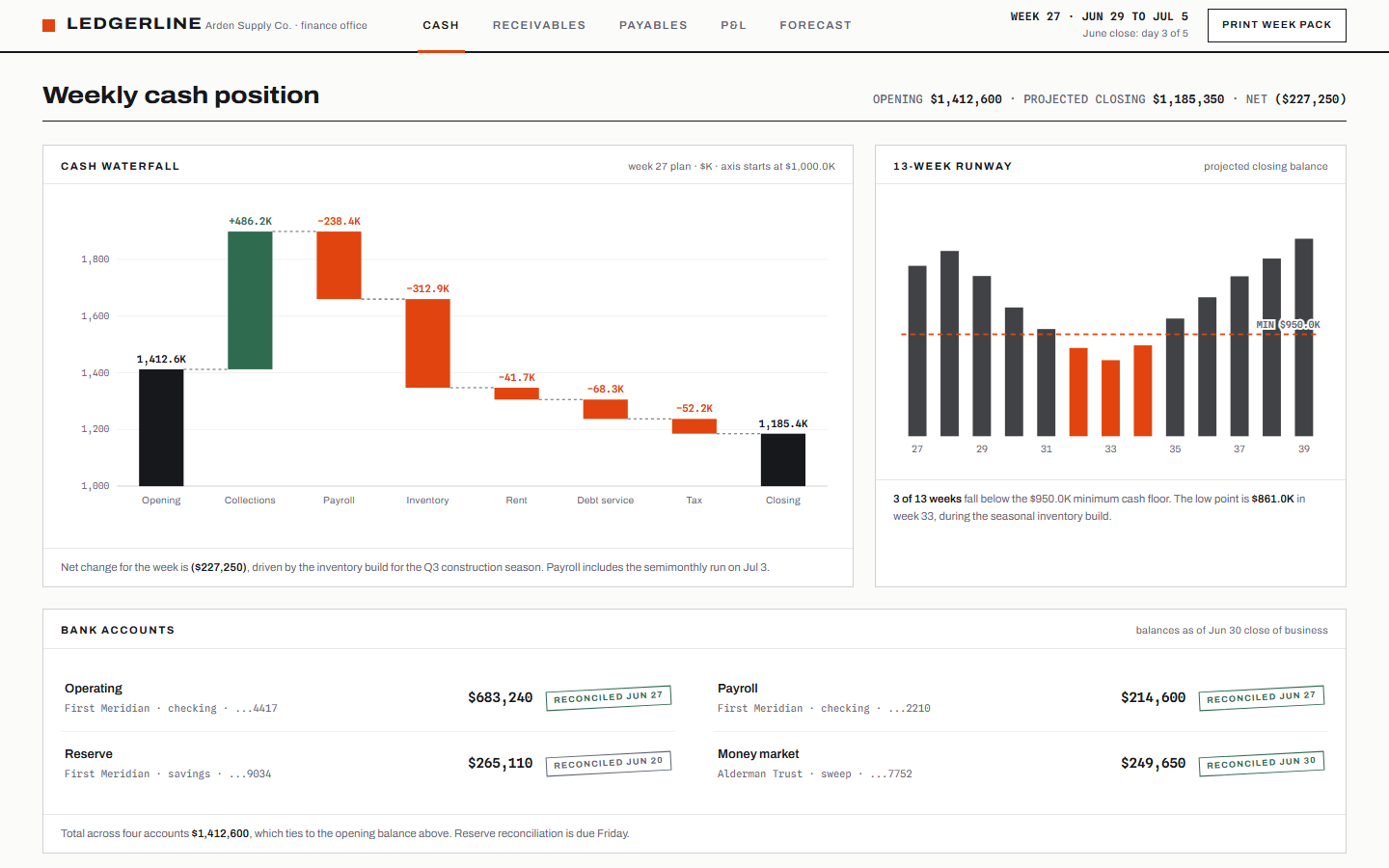
The free template has no catch, but there is a scope difference. Vault covers one company's cash position at a summary level. Paid finance templates like Ledgerline go deeper into AR aging, payment runs, covenant headroom, and weekly cash discipline.
Can I use Vault as the base for a product?
Yes, you can use Vault as the base for a product; that is a common use. The code is organized in labeled sections with plain data arrays, the views route through a small hash router, and the theme swaps through a data attribute. It is structured as a starter app, not a static mockup.
Does dark mode change the charts too?
Yes, dark mode changes the charts too: every color, including chart strokes and gridlines, resolves through CSS variables, so toggling the theme recolors charts, tables, and cards with no chart-specific code. Reduced-motion preferences are respected as well.