 $6.99
New
$6.99
New
Home › Templates › E-commerce › Parcel
E-commerce dashboard template
Parcel E-commerce Operations Dashboard Template
Parcel is a single-file HTML dashboard template that tracks order intake, pick and pack, carriers, returns, and stock for an e-commerce fulfillment floor.
Parcel is an e-commerce operations dashboard template for a fulfillment warehouse. It renders as the floor board for one shipping day: an open order pipeline, pick and pack throughput, carrier scorecards, a returns dock, and inventory velocity, all on one light page styled in the Kraft Label theme. The file is self-contained HTML priced at $6.99, and it runs in any browser with no build step.
Parcel models a sample operation, Fernway Goods, shipping from Dayton, Ohio, with a 14:00 manifest cut. The orders section charts intake by hour against a typical Wednesday and scores the ship-inside-24-hours SLA at 95.4 percent trailing 7 days, with 2,617 of 2,743 orders inside promise. Pick and pack lists a picker roster with lines per hour against a 55 lines-per-picker-hour target, an error log, and pack-station throughput against a 12 parcels-per-hour station target. Carriers covers a sortable scorecard with claims per 1,000 parcels, a lane map out of Dayton with average days in transit, and rate-card notes including a DIM divisor of 139. Returns tracks a 2.9 percent return rate over 30 days, a triage queue by RMA, refund aging against a 5-day policy, and return rate by product. Stock shows inventory velocity with days of cover, reorder points, five open inbound POs, and a low-stock hazard list.
What is inside Parcel
- Open order pipeline rendered as a conveyor of order cards with line count and time left on the 24-hour promise
- Intake by hour chart comparing today against a typical Wednesday
- Ship-inside-24-hours SLA gauge at 95.4 percent trailing 7 days with a 95 percent target line
- Picker roster with zone, lines, hours, lines per hour, and accuracy against a 55 lph target
- Pack-station throughput chart with a dashed 12 parcels-per-hour station target
- Carrier scorecard, sortable, with claims per 1,000 parcels and a Dayton lane map scaled by volume share
- Returns triage queue by RMA with reason, condition, and disposition, plus refund aging buckets past the 5-day policy
- Return rate by product table with units shipped, returned, and rate per SKU
- Inventory velocity table with on hand, units per day, days of cover, reorder point, and a low-stock hazard list
Who Parcel is for
Parcel serves operations managers who open the board at the start of the floor shift and check SLA health, the oldest open order, and staffing before the manifest cut.
Parcel is built for fulfillment supervisors who watch lines per picker-hour and pack-station throughput against their targets.
Parcel fits shipping coordinators who rate-shop carriers and watch claims per 1,000 parcels by lane.
Parcel supports returns processors who work the triage queue and keep refunds inside the 5-day policy window.
Parcel serves inventory planners who track days of cover, reorder points, and inbound PO ETAs.
When to reach for it
Parcel fits a growing store where order operations live in the e-commerce admin, a shipping app, and a spreadsheet, and nobody sees the whole day at once. The template joins intake, labor, carriers, returns, and stock on one page.
Parcel fits teams that run a daily floor meeting. The board stamps its snapshot time and leads with SLA and the oldest open order, so the meeting starts with the two numbers that decide the day.
Parcel replaces carrier rate homework. Rate-card notes, DIM divisor math, and per-lane transit times sit next to the scorecard, so rate-shopping rules are documented where they are used.
Parcel also suits a warehouse that wants a wall-mounted board. The layout reads top to bottom in print-like sections, and the data constants inside the file can be wired to a WMS export.
Specifications
| Format | Single self-contained HTML file; zero dependencies, no build step |
|---|---|
| Theme | Kraft Label |
| Mood | Light |
| Category | E-commerce |
| Price | $6.99, one-time |
Frequently asked questions
What does the Parcel dashboard template cover?
The Parcel dashboard template covers the full fulfillment day for an e-commerce warehouse: order intake and SLA, pick and pack labor, carrier scorecards and rates, returns triage and refund aging, and inventory velocity with reorder points. It ships as one HTML file for $6.99.
Can I load my own store's orders and SKUs?
Yes, you can load your own store's orders and SKUs because the sample data lives inside the HTML file as editable constants. Replace the order, SKU, and carrier rows with your own export, or script a fetch to your store platform's API, and every table and chart renders from your numbers.
Does Parcel calculate shipping rates?
No, Parcel documents shipping rates rather than computing live quotes. The rate-card notes hold base rates, per-pound steps, fuel surcharge, and the DIM divisor, and the lane map shows average days in transit, so rate-shopping rules stay visible next to the carrier scorecard.
How does Parcel differ from the Storefront template?
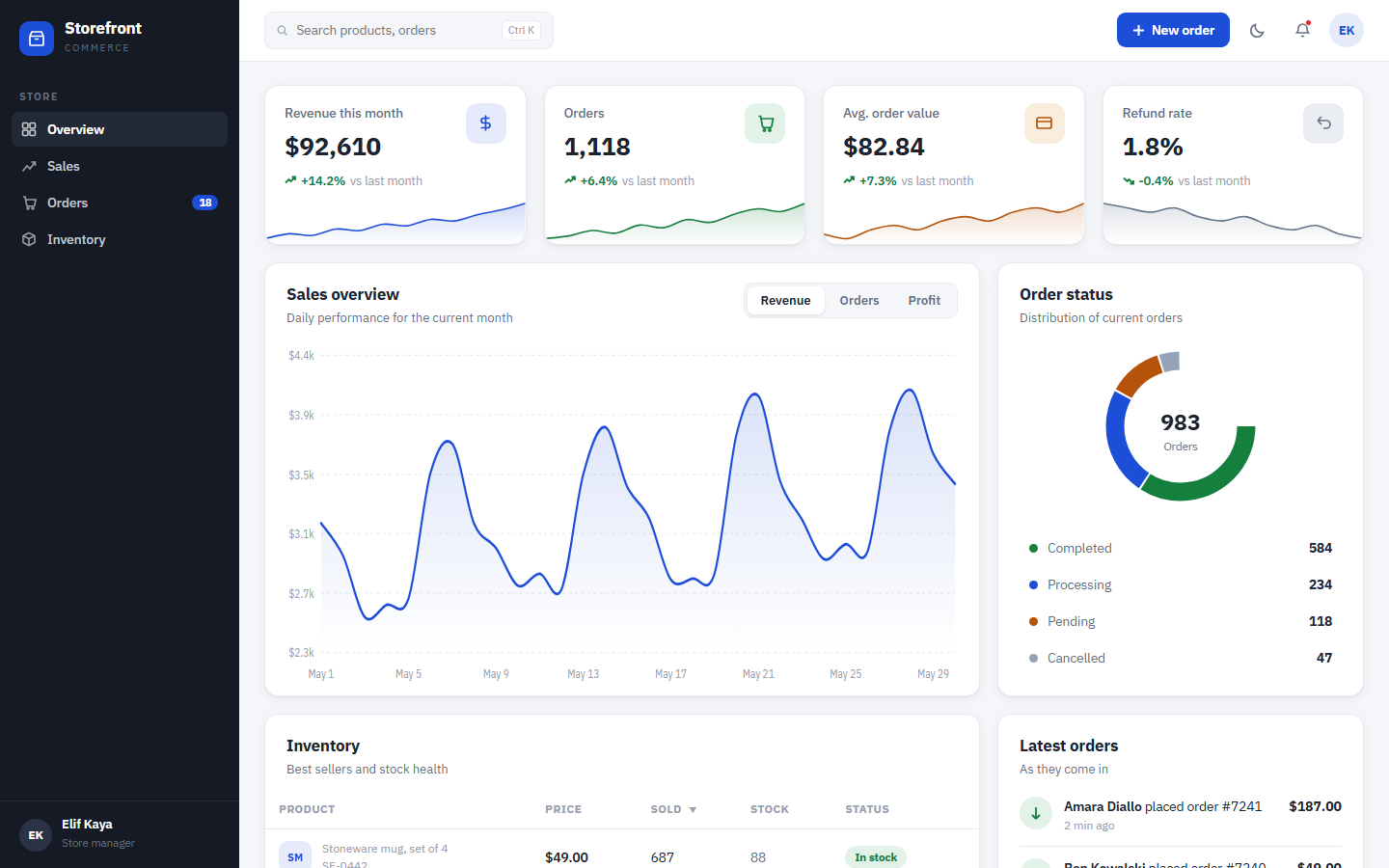
Parcel runs the warehouse side: pick rates, pack throughput, carriers, returns, and stock cover. Storefront runs the commercial side: revenue, orders, profit, discount codes, and best sellers. Same category, different desk.