Home › Templates › E-commerce
Category
E-commerce Dashboard Templates
An e-commerce dashboard template is a single HTML file that shows an online store's revenue, orders, fulfillment, and stock on one page. Store metrics tell the owner what sold, what shipped on time, and what the discounts cost. This page lists 2 e-commerce templates, each a self-contained file at $6.99 with a live preview.
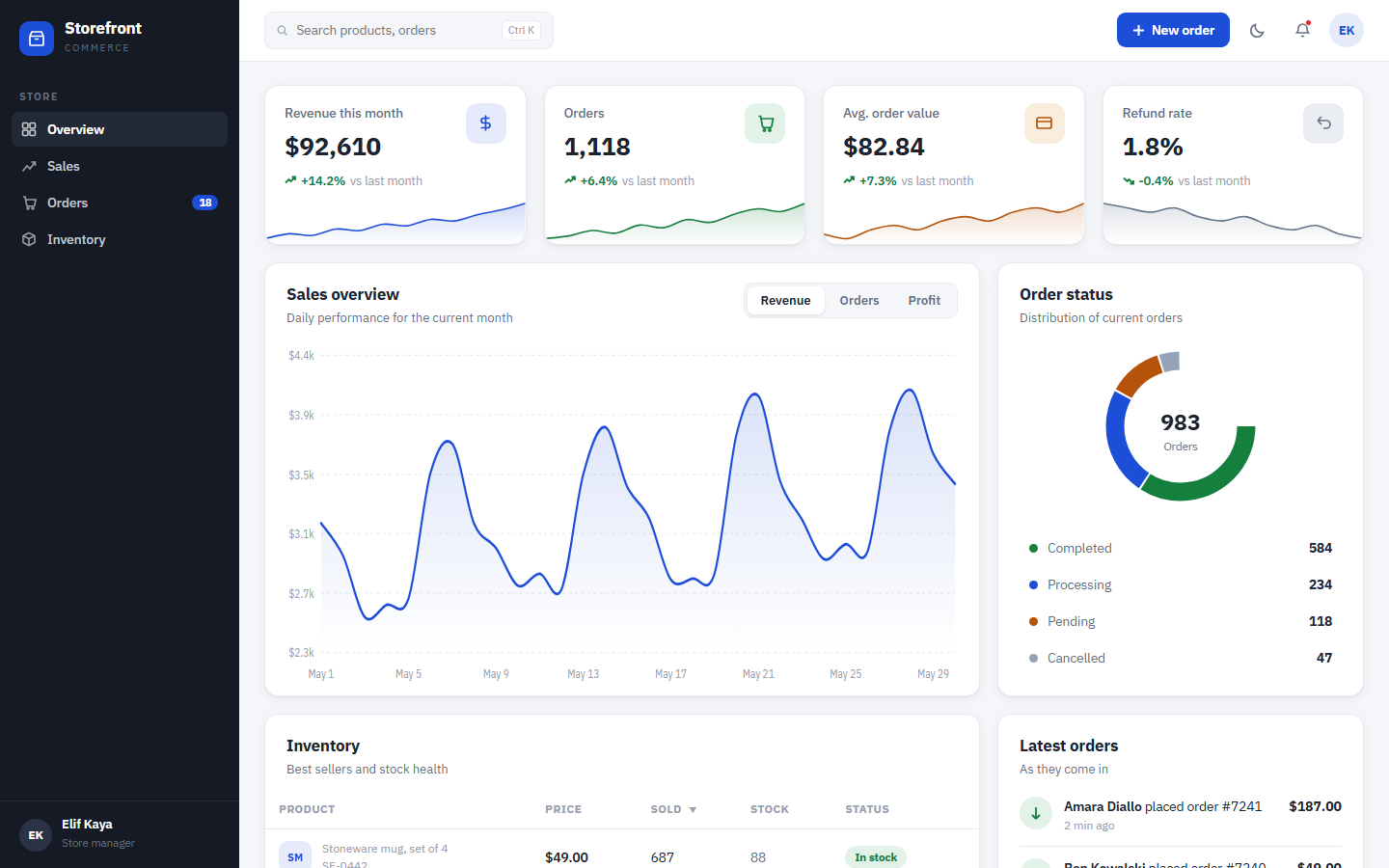
The 2 templates split the store into two desks. Storefront runs the commercial side: trailing 12-month revenue of $869,400 up 18.2 percent on the previous 12 months, a discount codes table with the amount given away per campaign, a fulfillment kanban with an average click-to-ship of 7.2 hours, and a stock ledger sorted by days of stock remaining. Parcel runs the warehouse side: an open order pipeline against a 14:00 manifest cut, a ship-inside-24-hours SLA at 95.4 percent trailing 7 days, picker throughput against a 55 lines-per-hour target, carrier scorecards with claims per 1,000 parcels, and returns triage against a 5-day refund policy.
Compare the e-commerce templates
| Template | Domain | Theme | Price |
|---|
| Parcel | E-commerce, Order operations | Kraft Label | $6.99 |
| Storefront | E-commerce, Sales | Merchant Blue | $6.99 |
Who uses these
An e-commerce dashboard serves 4 roles: store owners, marketers, fulfillment leads, and inventory buyers. Store owners open the page before the admin panels of four different tools and get revenue, profit, and order flow in one pass. Marketers watch discount code performance and the discounted share of revenue, 22 percent in the sample store, before margin erodes. Fulfillment leads work the order kanban, where 18 orders sit in flight and the oldest awaiting pick has aged 38 minutes. Inventory buyers read the stock ledger by days remaining and work the reorder queue from the lowest cover up.
When to reach for one
An e-commerce template is the right pick when sales reporting means exporting the platform's orders CSV into a spreadsheet every week. A template puts trailing revenue, category mix, and discount cost on one page laid out the same way every time. Pick it also when commercial and warehouse reporting live apart: a slow pack station should show up next to the revenue number it affects, and the 2 templates here cover exactly that split. A single HTML file costs $6.99 once and needs no seat licenses. For the KPI theory behind the layout, the guide to sales dashboard metrics covers the same ground.
Frequently asked questions
What is an e-commerce dashboard template?
An e-commerce dashboard template is a pre-built HTML page that displays online store metrics such as revenue, orders, fulfillment time, discounts, and stock levels. You download one file, replace the sample data with your own, and open it in any browser. No server, platform plugin, or build step is required.
Should I choose Storefront or Parcel?
Storefront is the right choice for the selling side of a store, and Parcel is the right choice for the warehouse side. Storefront tracks revenue, profit, discount codes, best sellers, and click-to-ship time. Parcel tracks pick rates, pack-station throughput, carrier claims, returns, and stock cover. Stores with their own fulfillment often run both.
Can I connect these templates to Shopify or WooCommerce?
Yes, you can connect these templates to Shopify or WooCommerce with a contained scripting job. Each file renders sample data stored as constants inside the page. Replacing those constants with a fetch to your platform's API or a scheduled JSON export leaves the layout, charts, and kanban unchanged.
Is there a free e-commerce dashboard template?
Yes, <a href="/templates/sales/vantage-sales/">Vantage Commerce</a> is a free e-commerce dashboard template listed in the sales category. It covers the daily store view: today's sales, orders, and new customers, a target-versus-reality chart, top products, and recent orders. The 2 templates in this category, Storefront and Parcel, are paid at $6.99 each and go deeper on fulfillment and stock.
 Dashboard
 $6.99
New
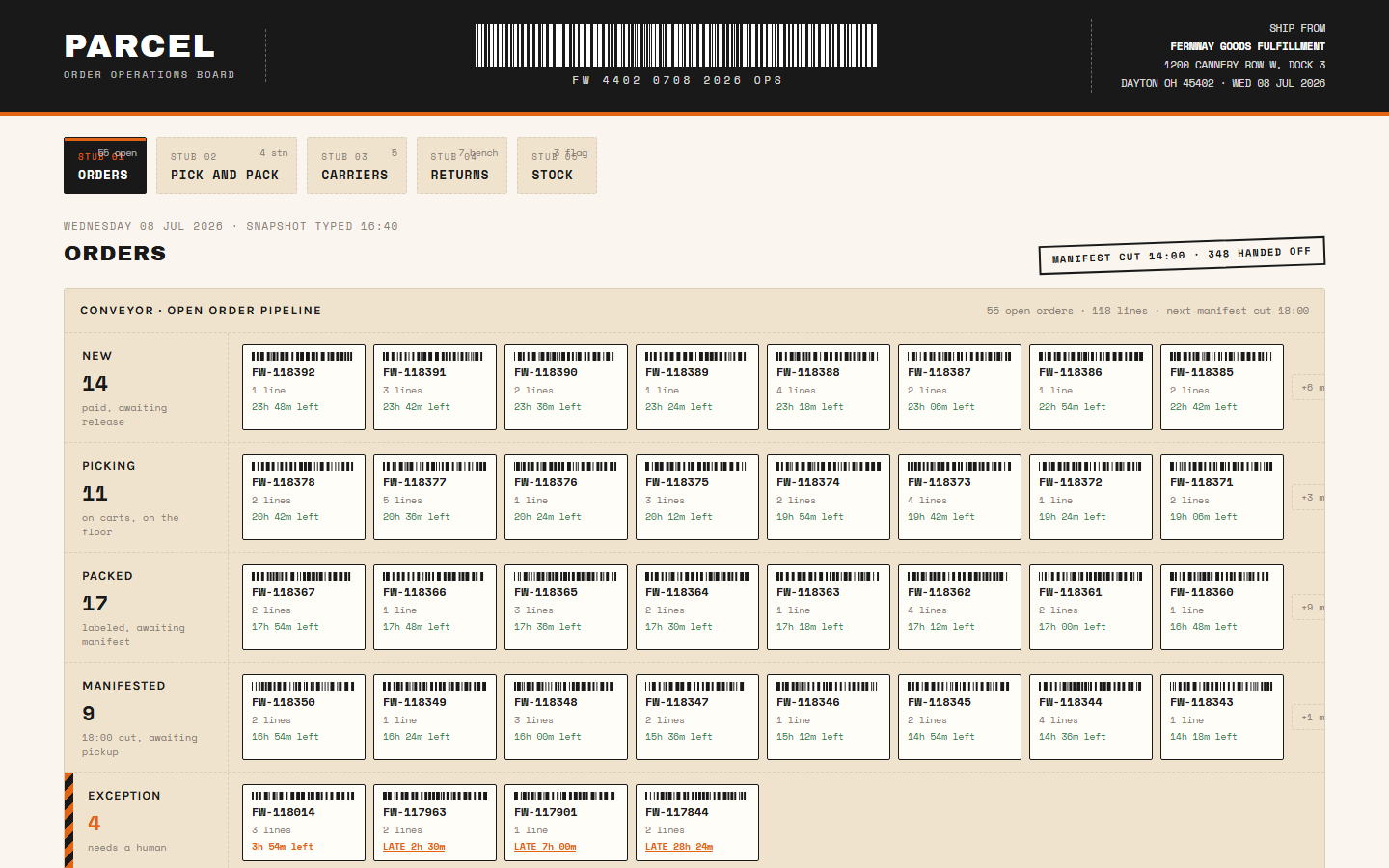
Parcel is a single-file HTML dashboard template that tracks order intake, pick and pack, carriers, returns, and stock for an e-commerce fulfillment floor.
open order pipeline rendered as a conveyor of order cards with line count and time left on the 24-hour promiseintake by hour chart comparing today against a typical Wednesdayship-inside-24-hours SLA gauge at 95.4 percent trailing 7 days with a 95 percent target line
Buy now · $6.99Live preview
$6.99
New
Parcel is a single-file HTML dashboard template that tracks order intake, pick and pack, carriers, returns, and stock for an e-commerce fulfillment floor.
open order pipeline rendered as a conveyor of order cards with line count and time left on the 24-hour promiseintake by hour chart comparing today against a typical Wednesdayship-inside-24-hours SLA gauge at 95.4 percent trailing 7 days with a 95 percent target line
Buy now · $6.99Live preview