Home › Templates › CRM
Category
CRM Dashboard Templates
A CRM dashboard template is a single HTML file that renders customer relationship metrics in a browser. Customer relationship metrics include pipeline value, lead volume, account health, and rep activity. This page lists 6 CRM templates, each one a self-contained file you preview live, buy for $6.99, and edit in any text editor.
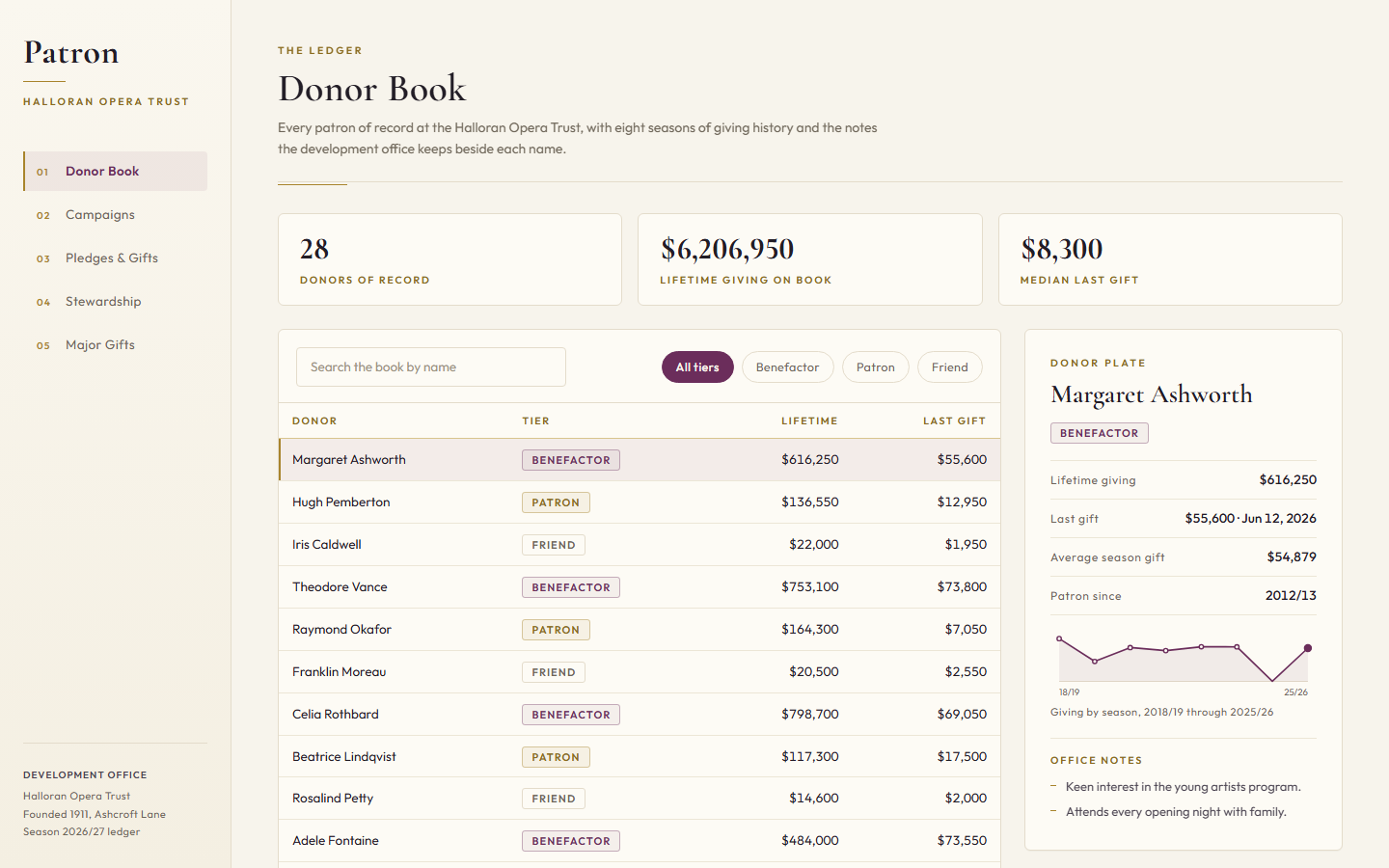
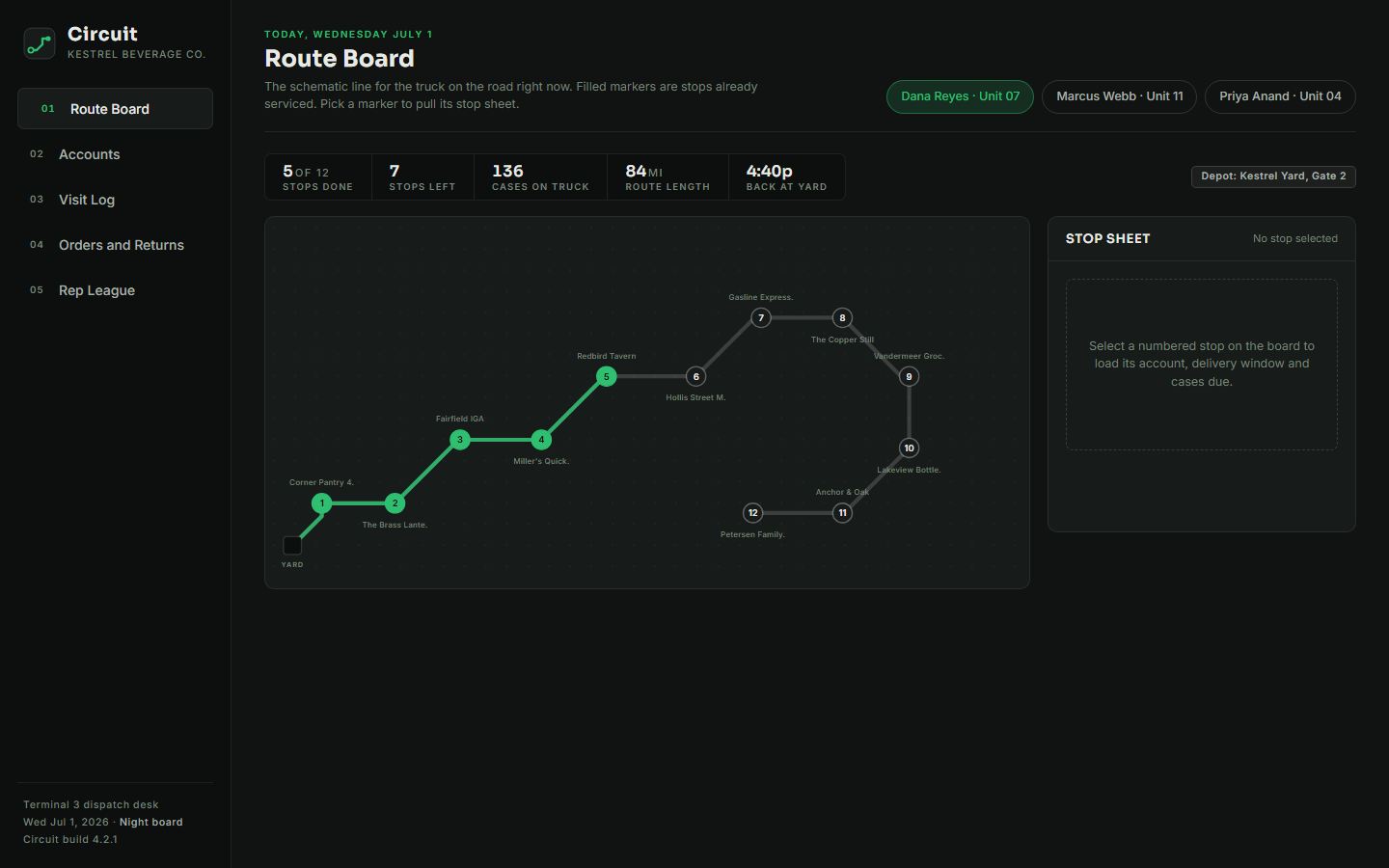
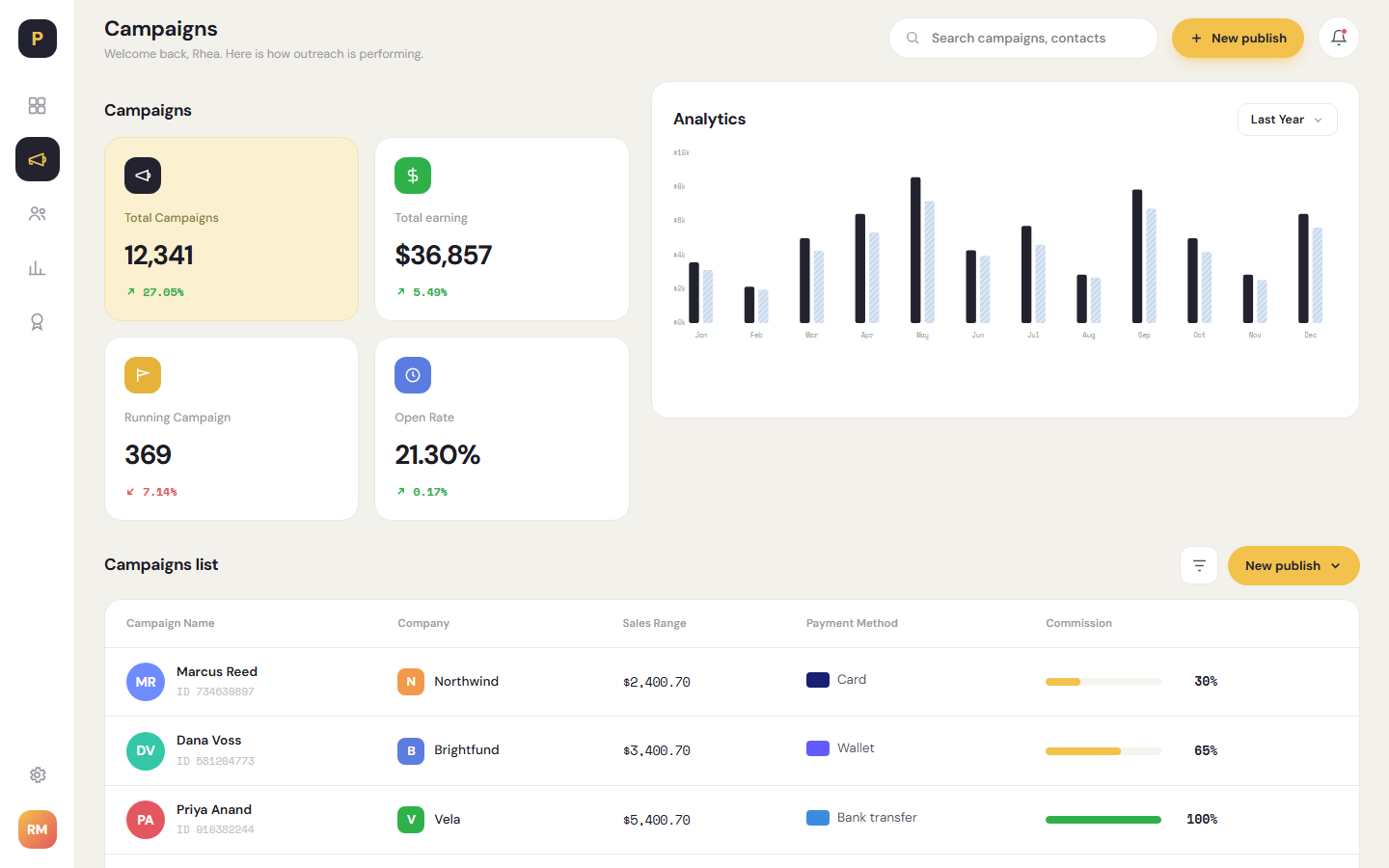
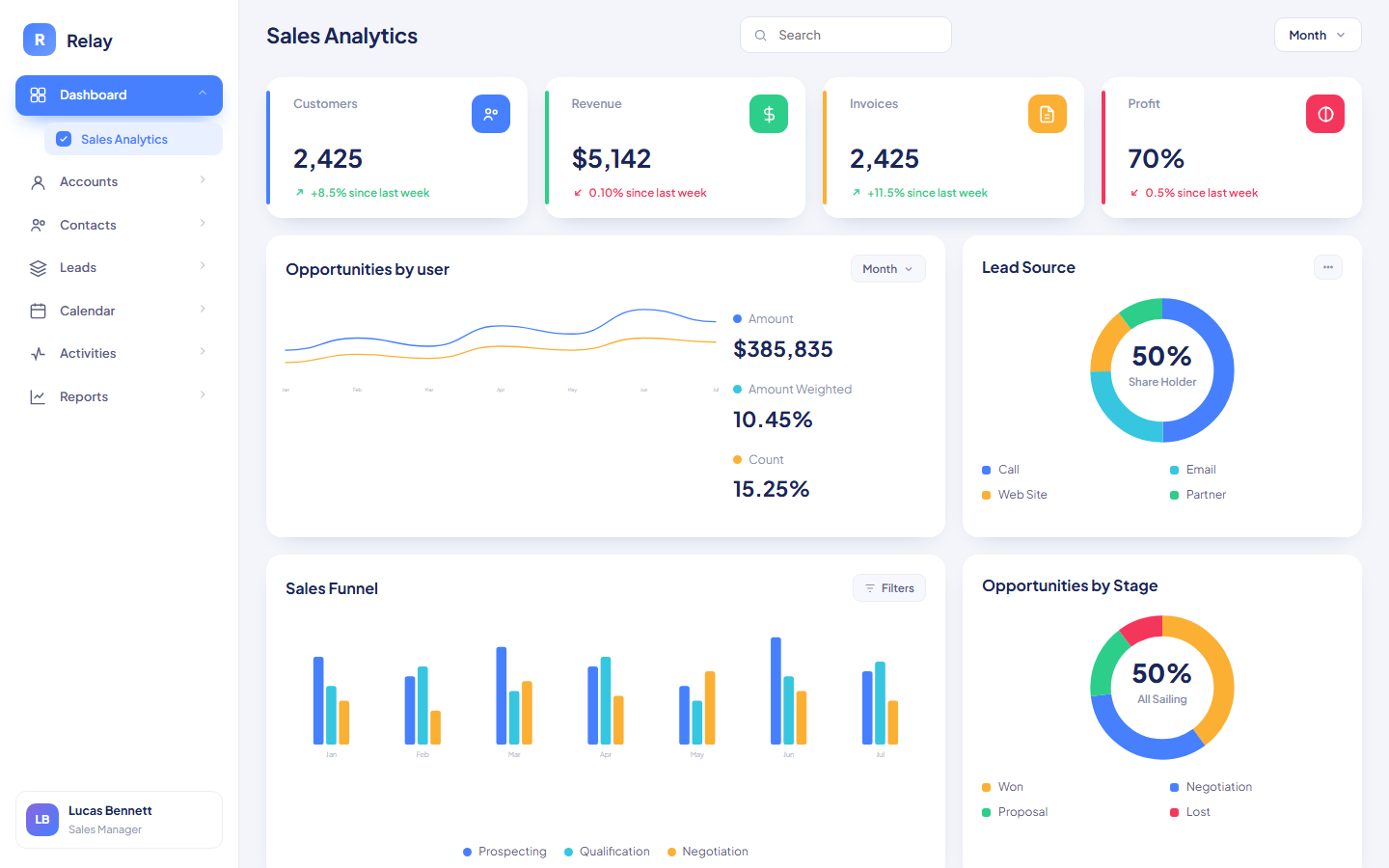
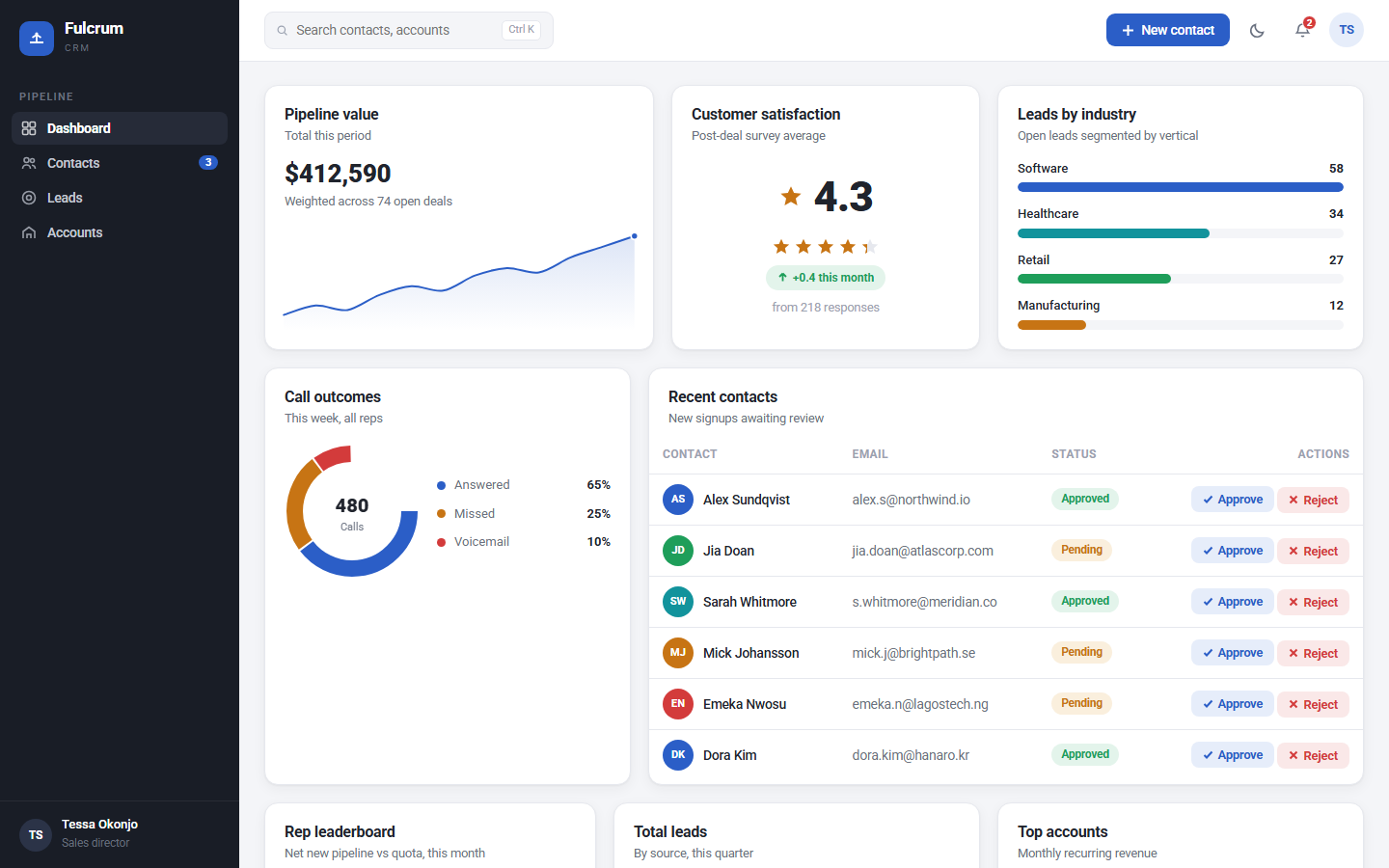
The 6 templates cover different CRM jobs. Relay CRM is free and shows a sales funnel, an opportunities-by-stage chart, a lead source breakdown, and tables for accounts, contacts, and leads. Fulcrum tracks pipeline coverage, call outcomes, a rep leaderboard, and account health with ARR, net revenue retention, and at-risk ARR. Sable is built for account intelligence: a portfolio health map, a 12-month renewal horizon, and a ranked expansion pipeline. Patron covers donor relations, Circuit covers field sales routes, and Pylon is a light, warm themed sales CRM.
Compare the crm templates
| Template | Domain | Theme | Price |
|---|
| Sable | CRM, Account intelligence | Glacial Steel | $6.99 |
| Patron | CRM, Donor relations | Opera Ivory | $6.99 |
| Circuit | CRM, Field routes | Tarmac Emerald | $6.99 |
| Pylon Sales CRM | CRM, Sales | Warm Cream | $6.99 |
| Relay CRM | CRM, Analytics | Azure | Free |
| Fulcrum | CRM, Lead management | Pipeline Cobalt | $6.99 |
Who uses these
A CRM dashboard serves 5 roles: sales managers, account executives, customer success managers, revenue operations analysts, and founders. Sales managers use a CRM dashboard to run the Monday pipeline meeting: open pipeline by stage, deals by rep, and coverage against quota. Account executives watch their own funnel and last-touch dates before customer calls. Customer success managers live in the account health view, where at-risk ARR and upcoming renewals decide who gets a call this week. Revenue operations analysts use the same pages to audit stage conversion and lead source quality. A founder at a small company often plays all 4 of these roles and wants one file that answers where the pipeline stands.
When to reach for one
A CRM template is the right pick when the alternative is a spreadsheet that one person maintains and nobody trusts. A template gives every reader the same numbers in the same layout. Pick it also when a full CRM report builder is overkill: Salesforce and HubSpot reporting need licenses, configuration, and training, while a single HTML file opens in any browser and reads data you paste into one script block. The usual moment is a growing team that needs a shared pipeline page before it needs a BI tool. At $6.99 with a live preview, the cost of trying one is lower than the cost of one meeting spent arguing about whose spreadsheet is current.
Frequently asked questions
What is a CRM dashboard template?
A CRM dashboard template is a pre-built HTML page that displays CRM metrics such as pipeline value, lead volume, account health, and rep activity. You download one file, replace the sample data with your own, and open it in a browser. No server, database, or build step is required.
Can I connect these templates to Salesforce or HubSpot?
No, these templates do not connect to Salesforce or HubSpot out of the box. Each template ships with realistic sample data inside a script block. To use live data, export a report from your CRM as CSV or JSON and replace the sample arrays, or have a developer wire the file to your CRM API.
Which CRM template should I start with?
Relay CRM is the template to start with, because it is free and covers the standard set: sales funnel, opportunities by stage, lead sources, and account tables. If you run renewals and account health, look at Fulcrum. If you manage a named book of business, look at Sable.
Can I change the colors and metrics?
Yes, you can change the colors and metrics in any text editor. Each template is one HTML file with its styles and data in plain text. Colors sit in CSS variables near the top of the file, and metrics live in named data arrays. Anyone comfortable editing HTML can rebrand a template in an afternoon.
 Dashboard
 $6.99
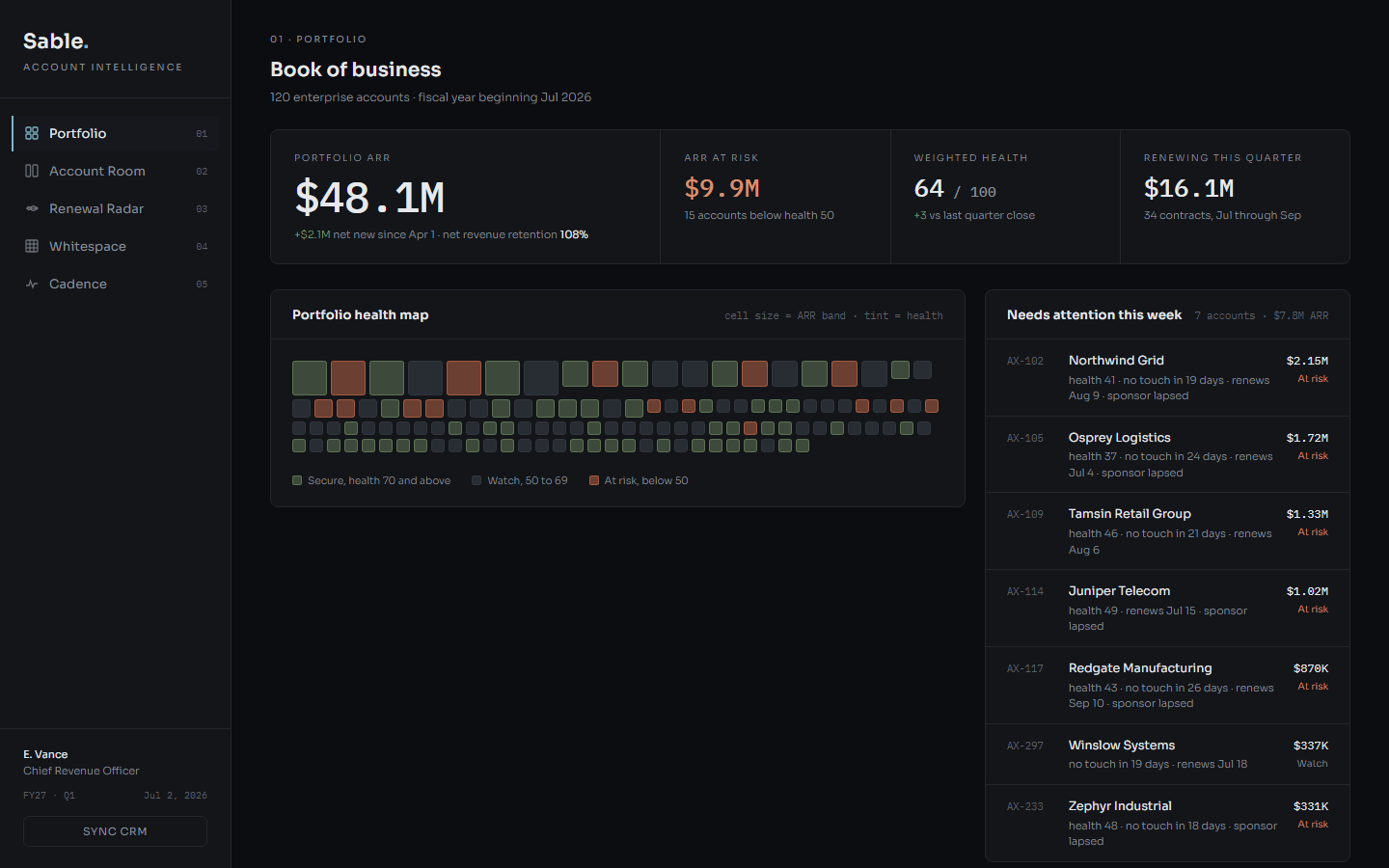
Sable is a dark single-file HTML dashboard template that tracks a 120-account enterprise book across portfolio health, renewals, whitespace, and touch cadence.
portfolio health map mosaic where cell size follows ARR band and tint follows the Secure, Watch, At risk health bandsheadline stats computed from the data: Portfolio ARR, ARR at risk, Weighted health out of 100, and ARR renewing this quarteraccount dossiers for the top 20 accounts showing relationship strength, open opportunities, last 5 touches, and contract terms
Buy now · $6.99Live preview
$6.99
Sable is a dark single-file HTML dashboard template that tracks a 120-account enterprise book across portfolio health, renewals, whitespace, and touch cadence.
portfolio health map mosaic where cell size follows ARR band and tint follows the Secure, Watch, At risk health bandsheadline stats computed from the data: Portfolio ARR, ARR at risk, Weighted health out of 100, and ARR renewing this quarteraccount dossiers for the top 20 accounts showing relationship strength, open opportunities, last 5 touches, and contract terms
Buy now · $6.99Live preview