 $6.99
New
$6.99
New
Home › Templates › Admin › Nimbus Admin
Admin dashboard template
Nimbus Admin Dashboard Template
Nimbus Admin is a single-file HTML admin dashboard template with stat cards, line and bar charts, a task list, tables, profile, maps, icons, and settings views.
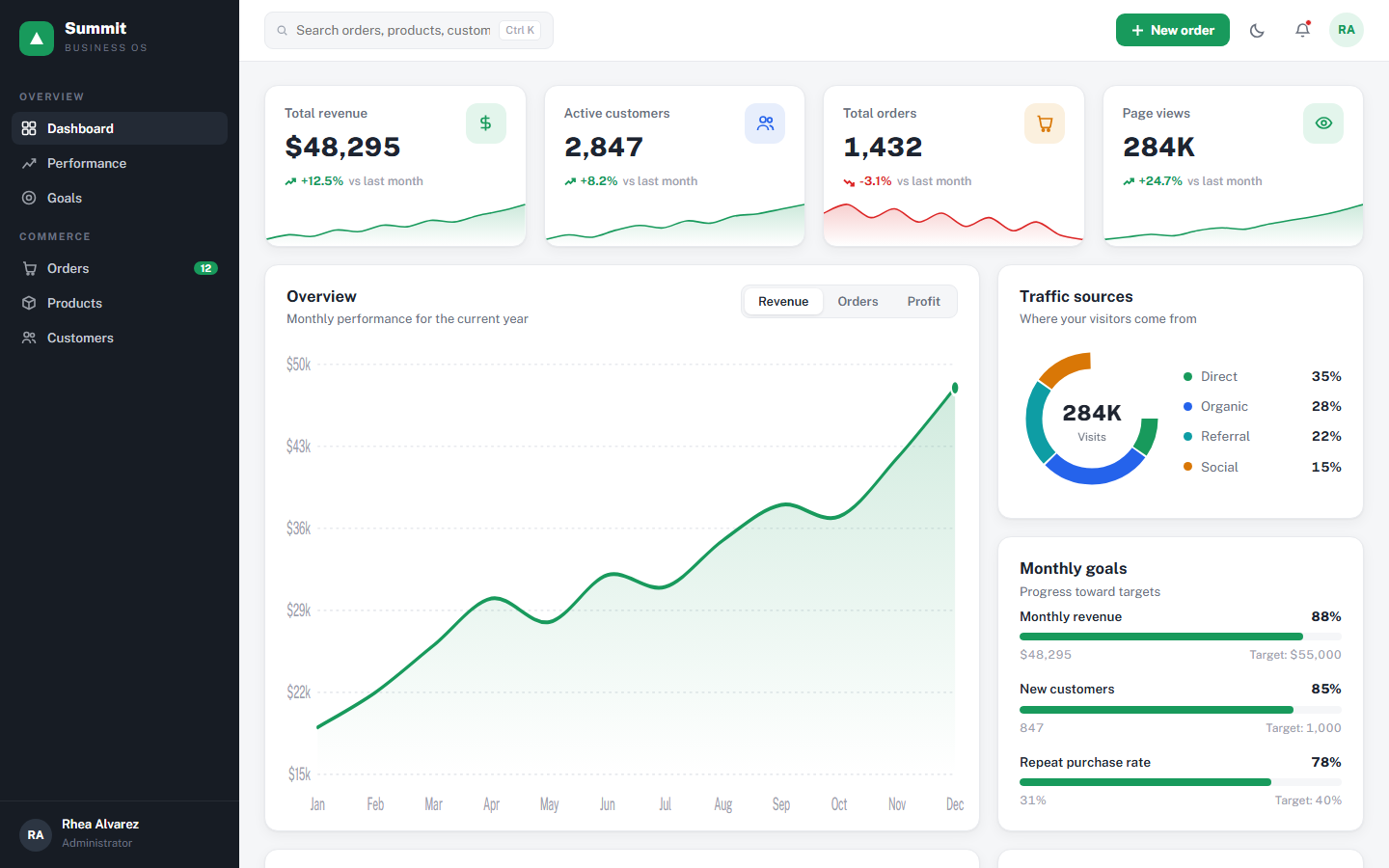
Nimbus Admin is a general-purpose admin dashboard template in one self-contained HTML file. A general admin dashboard template gives a back-office app its standard chrome: a dark sidebar with icon navigation, a top bar with search and notifications, stat cards, charts, tables, and account screens. Nimbus Admin ships all of that in a light Bootstrap-style theme with a teal #1DC7EA accent and Montserrat type, and every screen runs from the single file with no framework or build step.
Nimbus Admin leads with the Dashboard view, which shows three stat cards: Used Space at 49 of 50 GB, Revenue at $34,245 over the last 24 hours, and Fixed Issues at 75 tracked from Github. Below the cards, a Daily Sales line chart plots 7 days of values with a hover tooltip and vertical guide, and an Email Subscriptions bar chart covers 12 months, both drawn as inline SVG on colored gradient panels. A Tasks panel carries three tabs (Bugs, Website, Server) with checkboxes that strike through completed items plus edit and delete actions, and an Employees Stats table lists ID, Name, Salary, and Country. The remaining seven sidebar entries are working screens, not placeholders: User Profile pairs an edit form with a profile card, Table List renders a 6-row striped employee table, Typography shows the type scale, Icons displays a 15-icon hover preview grid, Maps plots 4 location pins, Notifications lists 5 dismissible items, and Settings offers four preference toggles. Under 1050 pixels the sidebar collapses to an icon rail.
What is inside Nimbus Admin
- Dashboard view with 3 stat cards: Used Space 49/50 GB, Revenue $34,245, Fixed Issues 75
- Daily Sales line chart over 7 days with hover tooltip and tracking guide, drawn as inline SVG
- Email Subscriptions bar chart over 12 months on a colored gradient panel
- Tasks panel with Bugs, Website, and Server tabs, checkboxes, and edit and delete actions
- Employees Stats table with ID, Name, Salary, and Country columns
- User Profile view pairing an edit form with a profile summary card
- Striped Table List with Role column, Typography specimen, and a 15-icon hover preview grid
- Maps view with 4 location pins, a dismissible Notifications list, and Settings toggles
- Dark gradient sidebar that collapses to an icon rail below 1050 pixels
Who Nimbus Admin is for
Nimbus Admin serves the front-end developers who use it as the starting shell for an internal tool: the layout, navigation, and components are done, so the work left is binding real data. Startup founders and solo builders who need an admin panel this week get stat cards, charts, and tables without assembling a component library first. Product managers use it as a clickable reference when speccing what an admin area should contain, because profile, notifications, and settings screens already exist. Students and junior developers read the file to learn how a classic admin layout fits together, since every chart is a small readable function that draws SVG and every view is a section element toggled by the sidebar script.
When to reach for it
Nimbus Admin is the pick when you want the familiar material-dashboard look and you want it as plain HTML you can edit in any editor. Framework admin kits pull in hundreds of dependencies; this file has zero. It replaces the afternoon of scaffolding a sidebar, a top bar, cards, and tables before any real feature work starts, and it suits prototypes, client demos, internal tools, and learning projects where the dataset is small enough to paste into a script block. The chart helpers are about 20 lines each, so changing the Daily Sales series to your own numbers is a one-line edit, and the teal accent is a CSS variable you can rebrand in one place. When the app outgrows a single file, the markup and class structure transfer cleanly into whatever stack you adopt next.
Specifications
| Format | Single self-contained HTML file; zero dependencies, no build step |
|---|---|
| Theme | Bootstrap |
| Mood | Light |
| Category | Admin |
| Price | $6.99, one-time |
Frequently asked questions
What pages come with the Nimbus Admin template?
The Nimbus Admin template comes with 8 screens behind the sidebar: Dashboard, User Profile, Table List, Typography, Icons, Maps, Notifications, and Settings. Each screen renders from the single HTML file, so the navigation, charts, tables, and toggles all work the moment you open it in a browser.
Are the charts in Nimbus Admin real or static images?
The charts in Nimbus Admin are real inline SVG, not static images. Two small JavaScript functions at the bottom of the file draw the line and bar charts from a values array and a labels array, and both charts show a hover tooltip. Swap the sample arrays for your own data and the charts redraw.
Does Nimbus Admin need Bootstrap or any framework?
No, Nimbus Admin does not need Bootstrap or any framework. The Bootstrap theme name refers to the visual style, not a dependency. Everything is hand-written CSS in the file: the cards, sidebar, tables, and toggles. The only external request is the Montserrat font from Google Fonts.
Is Nimbus Admin responsive?
Yes, Nimbus Admin is responsive. Below 1050 pixels the card grid stacks to one column, the two-column rows collapse, the icon grid goes from 8 to 4 columns, and the sidebar narrows to a 74 pixel icon rail. The charts also redraw on window resize to fit the new width.